> ## Documentation Index
> Fetch the complete documentation index at: https://docs.kodus.io/llms.txt
> Use this file to discover all available pages before exploring further.
# Suggestion Control
> Control how Kody provides feedback in your PRs.
## Suggestion Limit
### Limitation Type
* By PR (default): Max suggestions in entire pull request
* By File: Max suggestions per file
### Maximum Suggestions
Set how many suggestions Kody can make:
* Minimum: 6 suggestions
* Default: 10 suggestions
* Set to 0 for unlimited
Pro tip: Start with 10 and adjust based on your team's feedback. Too many suggestions can be overwhelming, too few might miss important issues.
## Severity Levels
### Minimum Severity
Choose which issues Kody will report:
* Low/All: Style issues, minor improvements
* Medium: Common best practices, potential bugs
* High: Significant issues, definite bugs
* Critical: Security issues, major problems
## Suggestion Grouping
### Unified Comments (default)
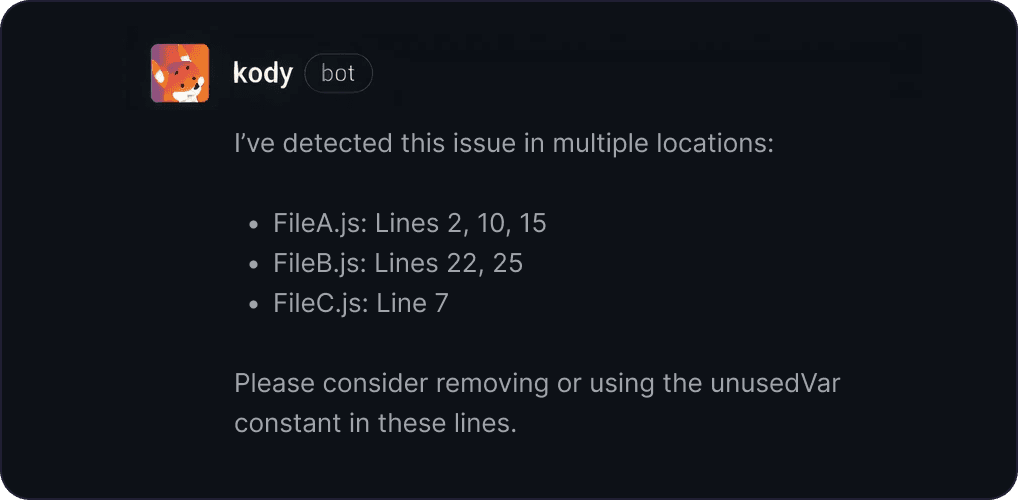 Combines similar issues into one comment, showing all affected files and lines. Great for:
* Large PRs with repeated issues
* Keeping discussions focused
* Reducing notification noise
### Individual Comments
Combines similar issues into one comment, showing all affected files and lines. Great for:
* Large PRs with repeated issues
* Keeping discussions focused
* Reducing notification noise
### Individual Comments
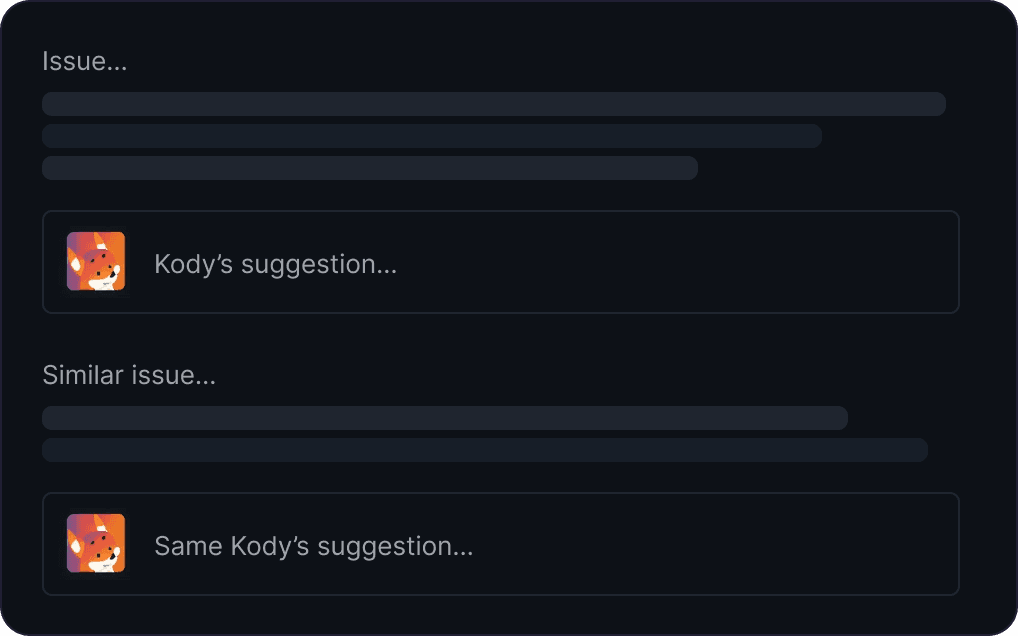 Separate comment for each issue. Better when:
* You need direct links to each location
* Team prefers focused, line-specific discussions
Separate comment for each issue. Better when:
* You need direct links to each location
* Team prefers focused, line-specific discussions